
 chenxixian
477f9fe333
更新 'package.json'
chenxixian
477f9fe333
更新 'package.json'
|
6 years ago | |
|---|---|---|
| app | 7 years ago | |
| doc | 7 years ago | |
| icons | 7 years ago | |
| screenshots | 7 years ago | |
| themes | 8 years ago | |
| views | 7 years ago | |
| .gitignore | 7 years ago | |
| HEAD | 8 years ago | |
| LICENSE | 8 years ago | |
| README.md | 7 years ago | |
| description | 8 years ago | |
| package.json | 6 years ago |
README.md
 HexoEditor
HexoEditor



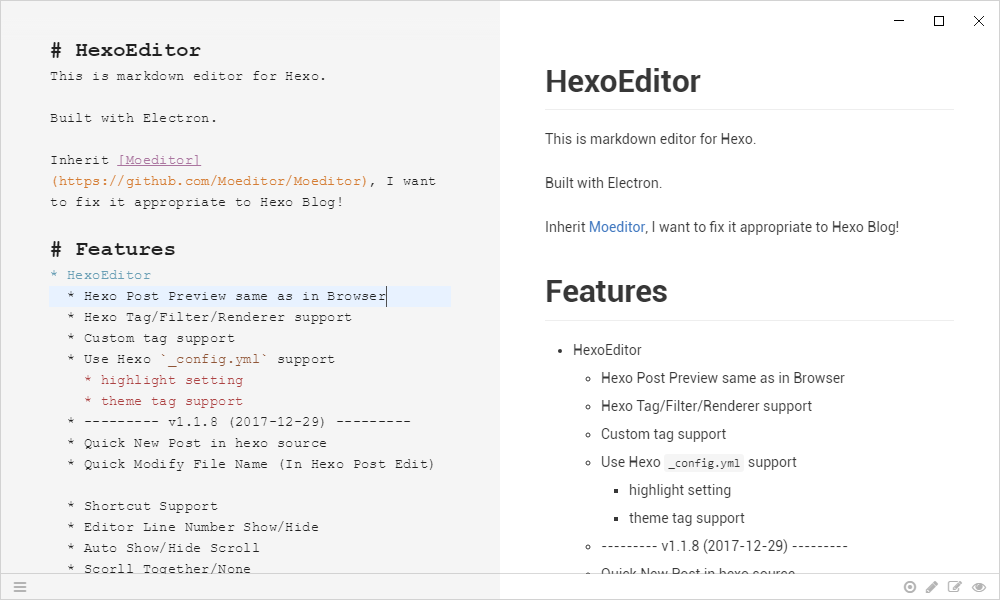
This is markdown editor for Hexo.
Built with Electron.
Inherit Moeditor, I want to fix it appropriate to Hexo Blog!
if you have good ideas, please comment Here
if you have time, and interest, and energy, welcome join us !
Features
- HexoEditor
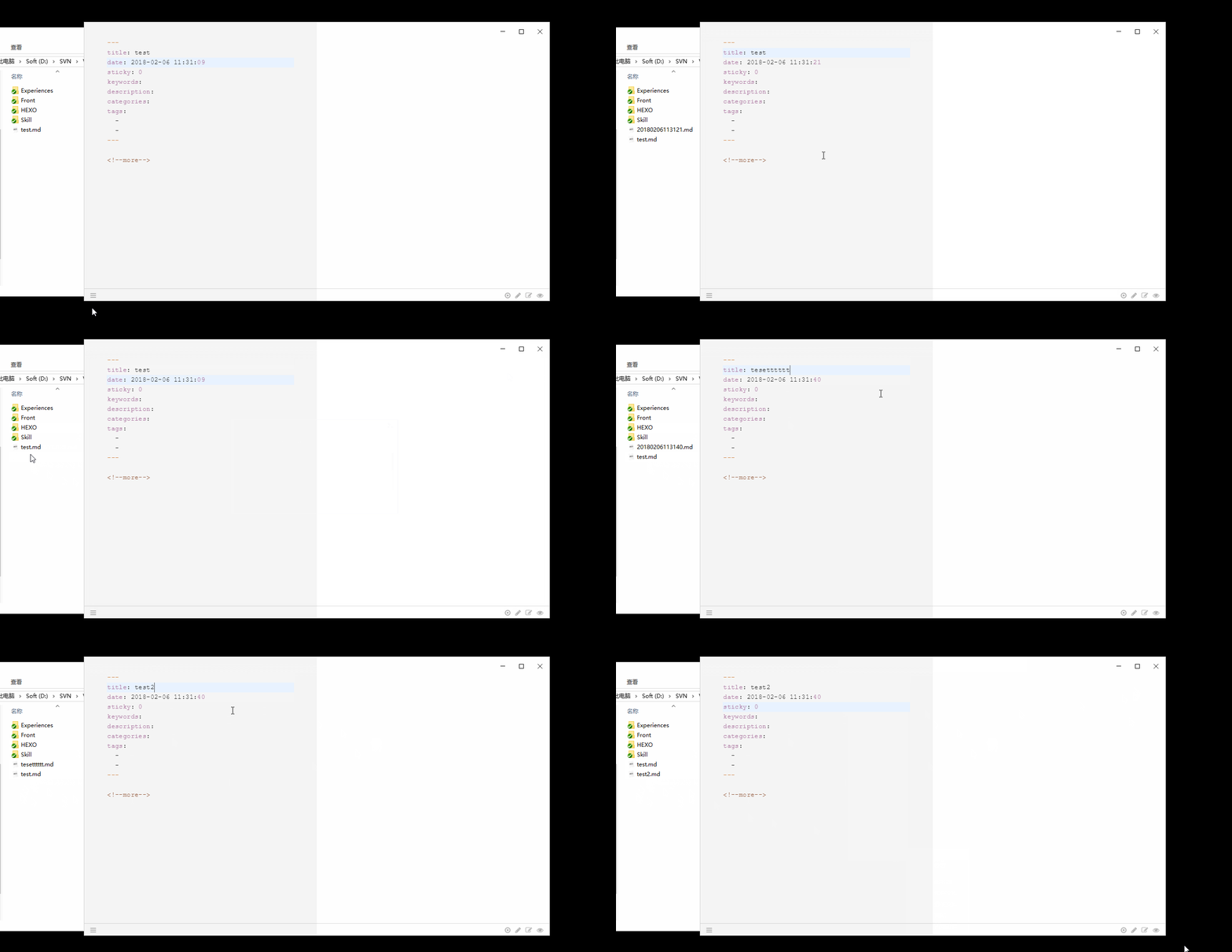
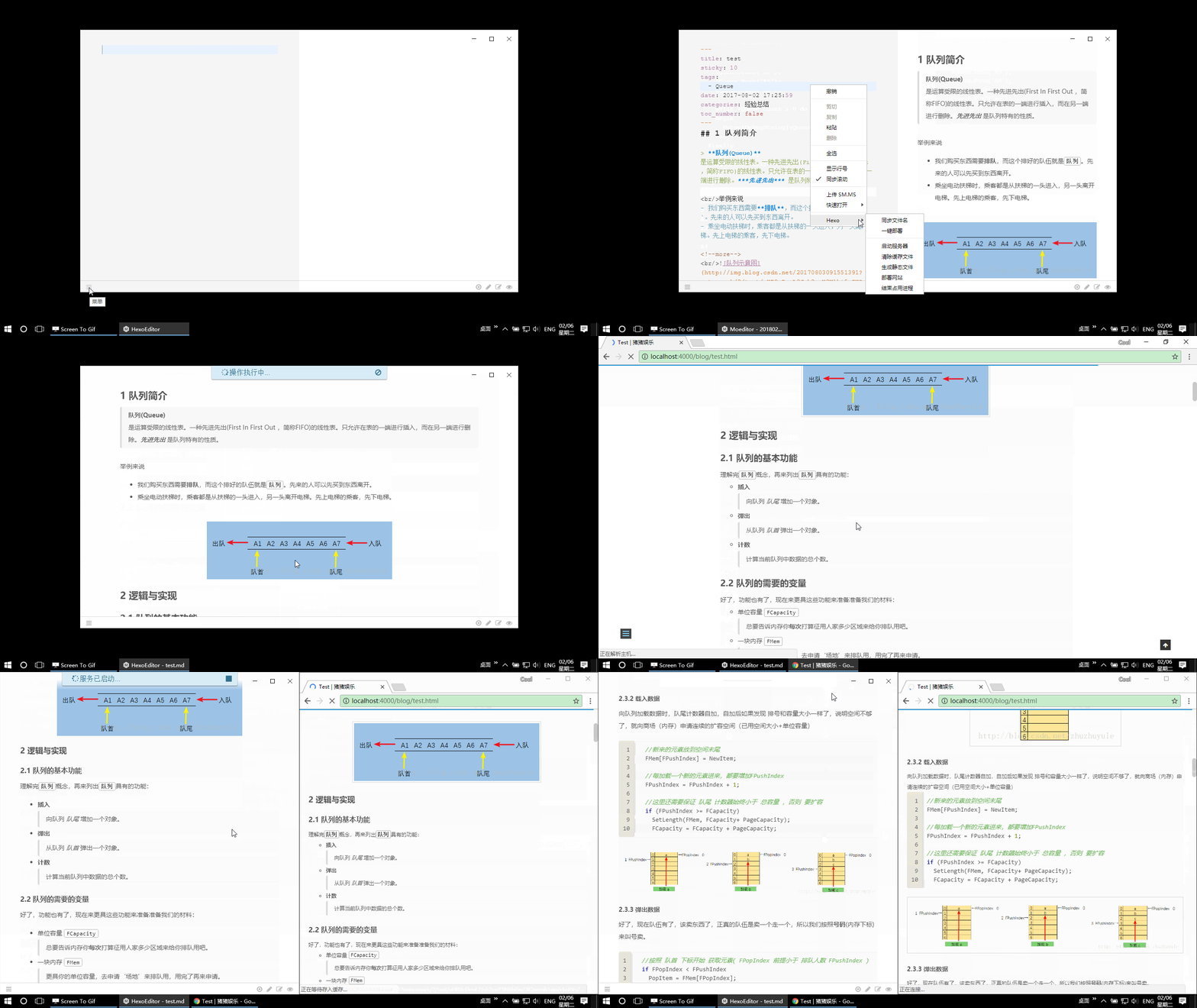
- Hexo Post Preview same as in Browser
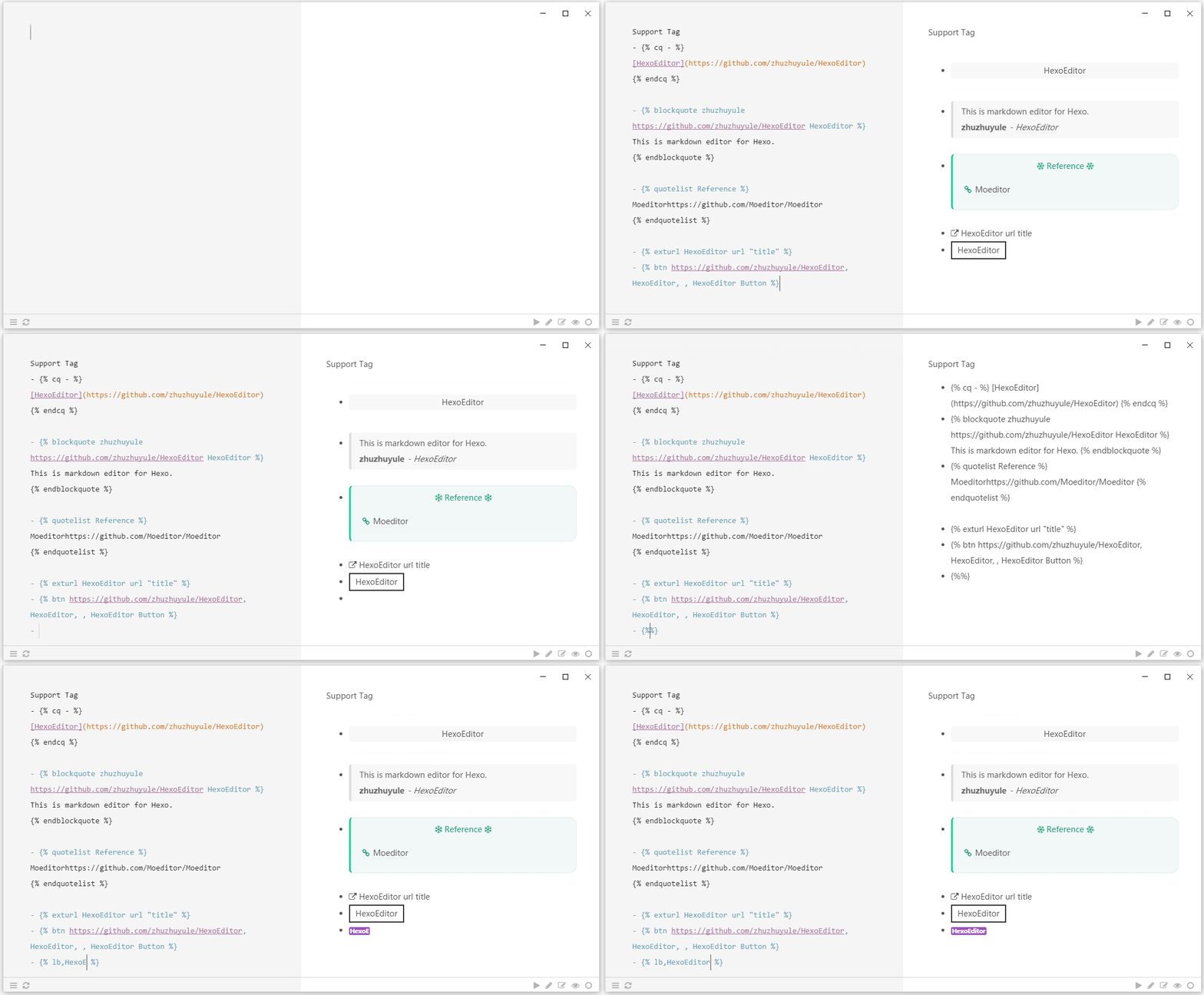
- Hexo Tag/Filter/Renderer support
- Use Hexo
_config.ymlsupport - Quick New Post in hexo source
- Quick Modify File Name (In Hexo Post Edit)
- Quick Deploy Post
- Quick Hexo Command
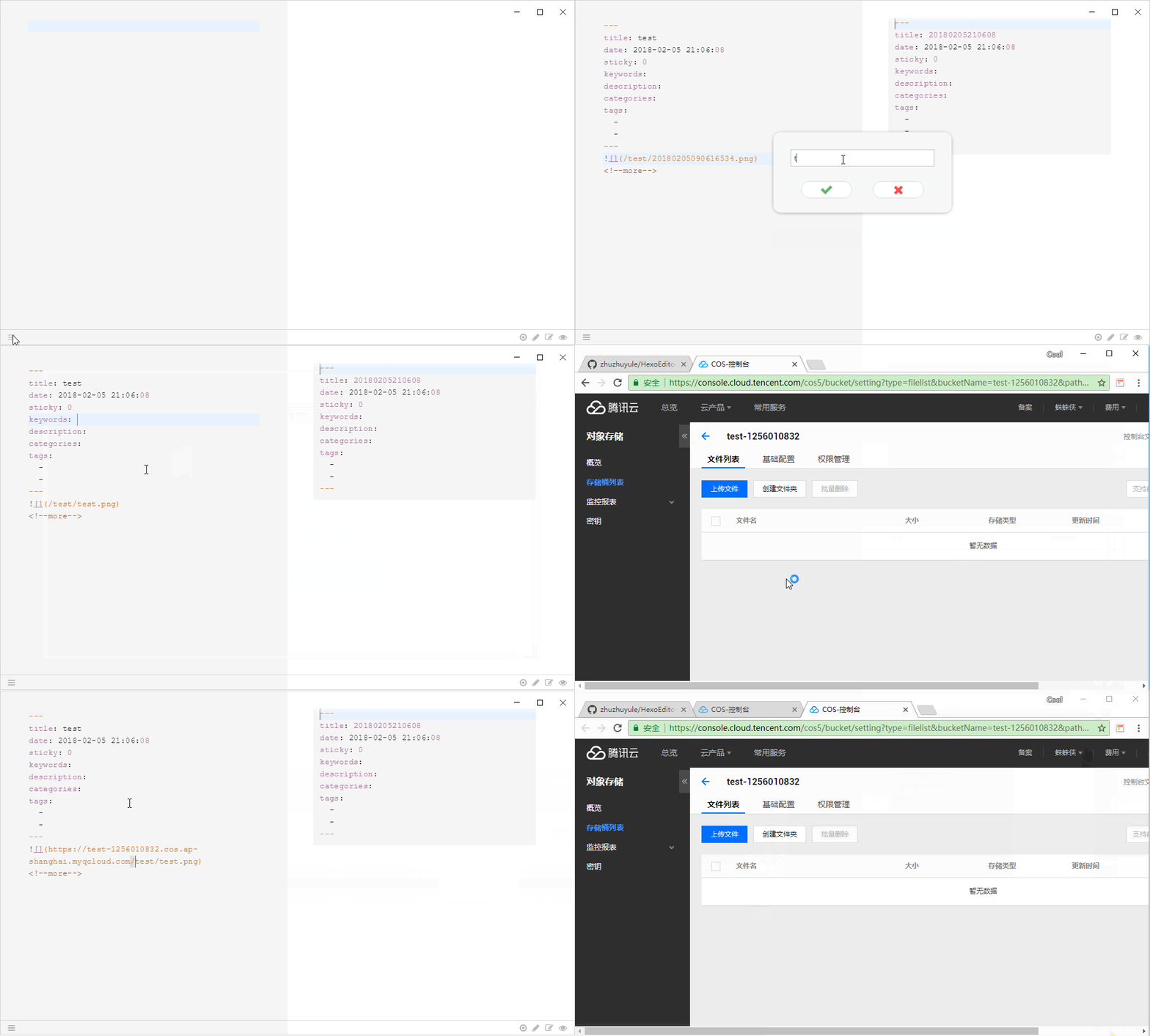
hexo d,hexo g,hexo s,hexo clean - Auto Change Image to Markdown
- Support Drag Image
- Support Paste Clipboard Image
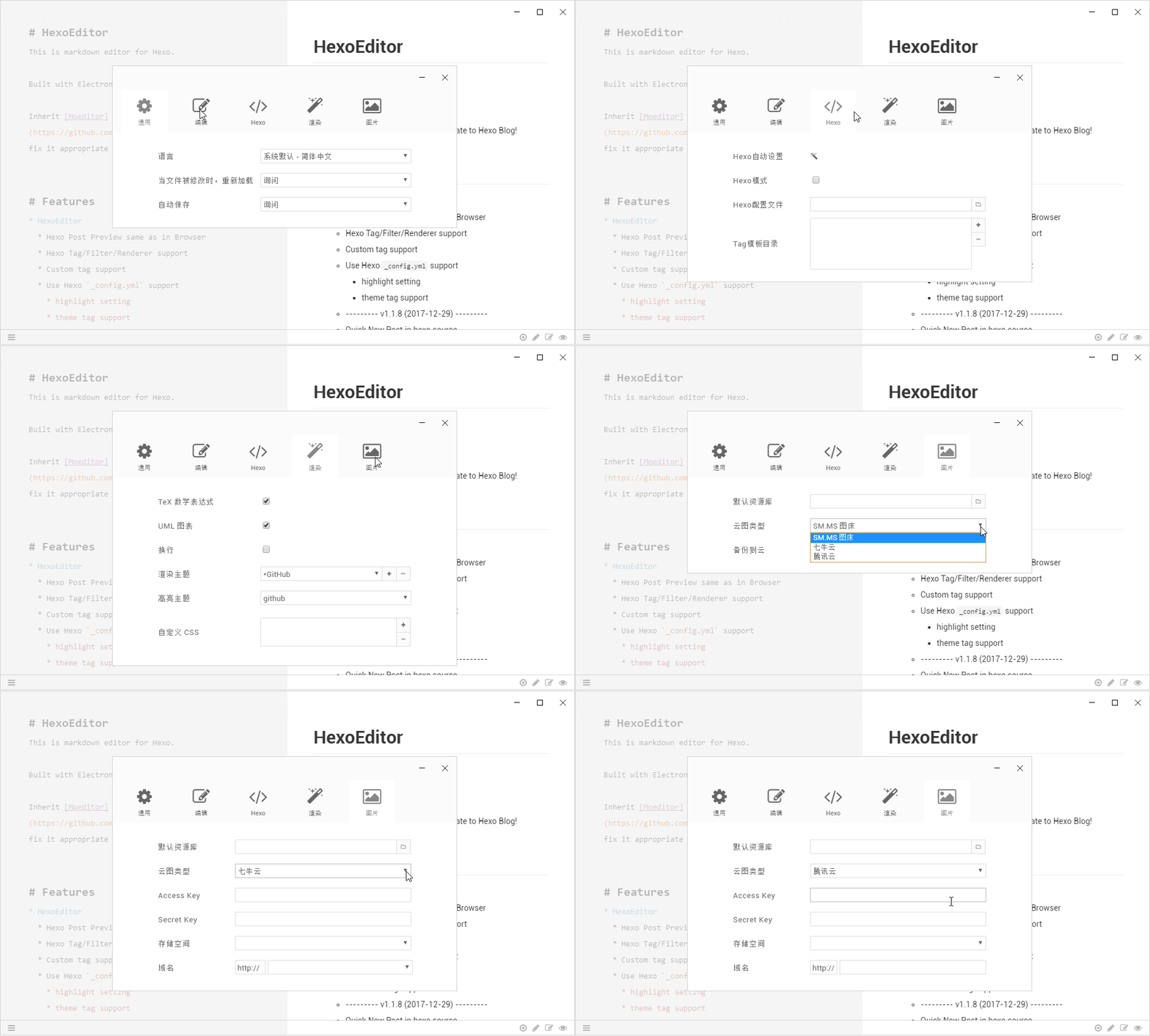
- Support Image Cloud (One Step Upload)
- Support SM.MS
- Support QiNiu
- Support Tencent
- Quick Start (Common Directory, Common URL)
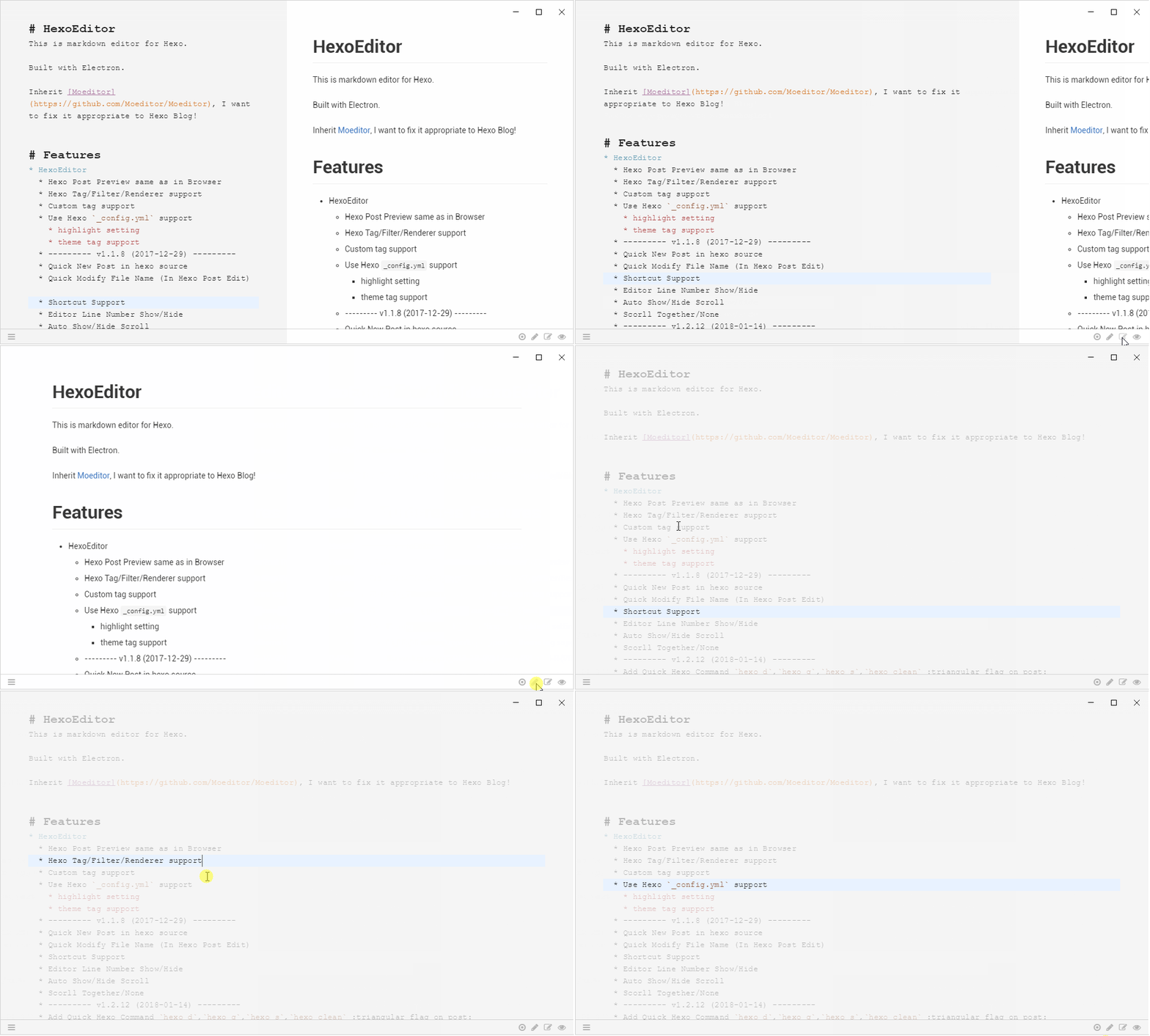
- Scorll Together/None
- HexoEditor (Inherit Moeditor)
- GitHub Flavored Markdown
- TeX math expressions
- UML diagrams
- Code highlight in editor
- Read/Write/Preview mode
- Custom font / line height / font size
- Custom themes
- Code highlight themes (powered by highlight.js)
- Auto reload
- Localization
- Focus mode
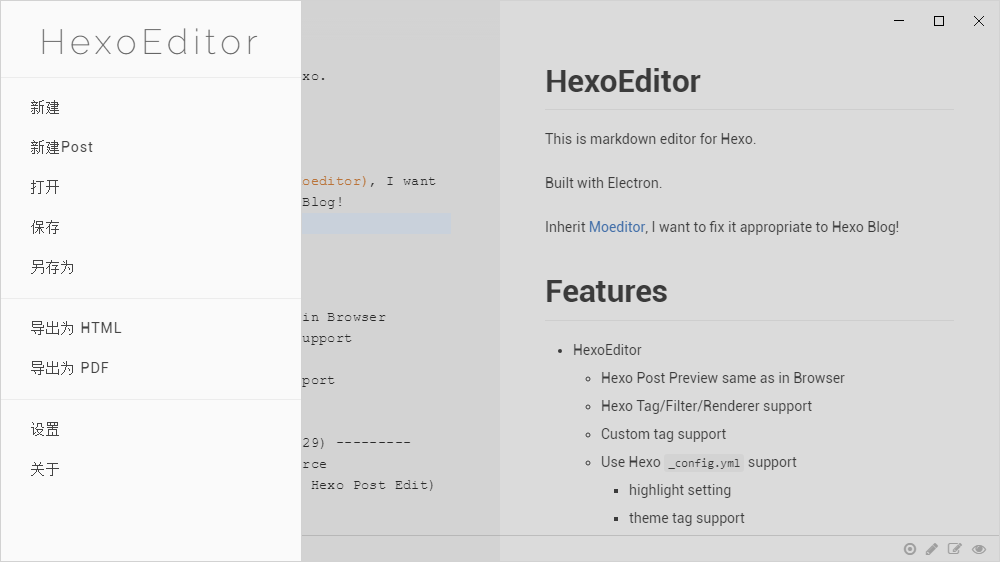
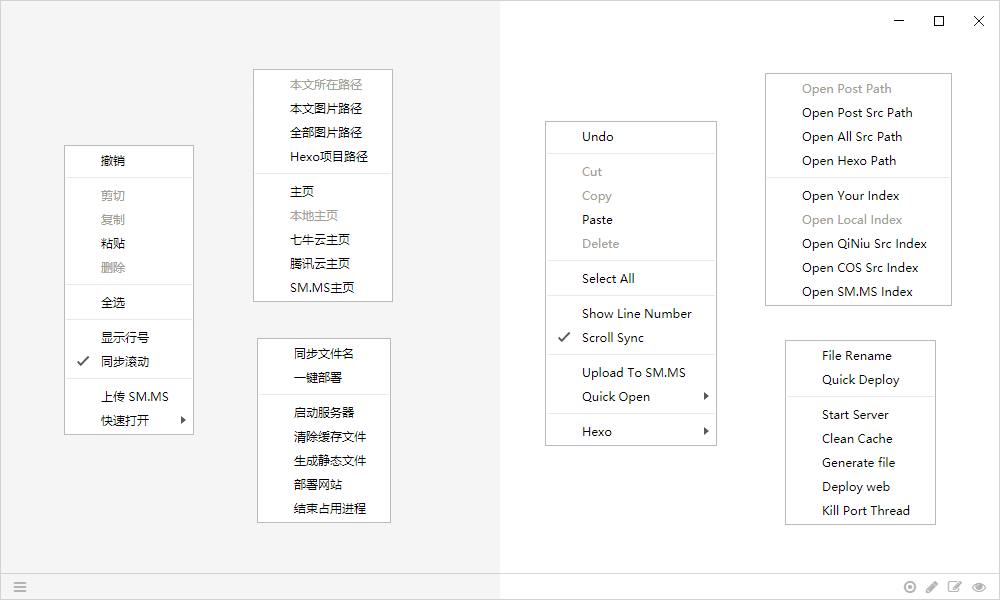
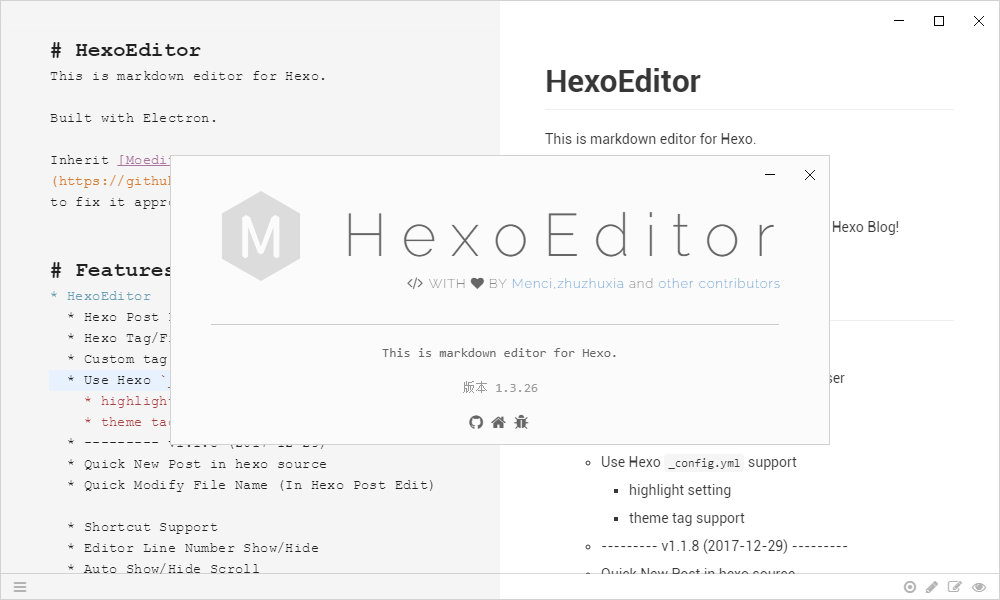
Screenshots
Gif Screenshots
Plan To Do
- Add Toc
- Add Hexo Title Header setting (100%)
- Add Editor ShortCut
- Add history files tree .....
- Deploy Post
- Add multi-editing in tabs
ShortCut
| Key | Method | explanation |
|---|---|---|
Tab |
tabAdd | add indentation |
Shift - Tab |
tabSubtract | reduce indentation |
Ctrl - B |
toggleBlod | toggle blod |
Ctrl - I |
toggleItalic | toggle italic |
Ctrl - D |
toggleDelete | delete current line |
Ctrl - ` |
toggleComment | toggle comment |
Ctrl - L |
toggleUnOrderedList | toggle unordered list |
Ctrl - Alt - L |
toggleOrderedList | toggle ordered list |
Ctrl - ] |
toggleHeader | downgrade title |
Ctrl - [ |
toggleUnHeader | upgrade title |
Ctrl - = |
toggleBlockquote | add blockquote |
Ctrl - - |
toggleUnBlockquote | reduce blockquote |
Ctrl - U |
drawLink | add hyperlink |
Ctrl - Alt - U |
drawImageLink | add image |
Ctrl - T |
drawTable(row col) | add table(row column) |
Ctrl - V |
pasteOriginContent | paste origin content |
Shift - Ctrl - V |
pasteContent | auto paste content |
Alt - F |
formatTables | format tables |
Ctrl - N |
new md document | |
Ctrl - H |
new hexo document | |
Ctrl - O |
open md document | |
Ctrl - S |
save md document | |
Shift - Ctrl - S |
save as | |
Alt - Ctrl - S |
open settings | |
Ctrl - W |
toggle write mode | |
Ctrl - P |
toggle preview mode | |
Ctrl - R |
toggle read mode |
- tip: In mac OS, plase replace
Ctrlkey withCmdkey.
Building
//if use Windows:
npm config set prefix "C:/Program Files/nodejs/npm_global"
npm config set cache "C:/Program Files/nodejs/npm_cache"

//if use Linux\Mac:
npm config set prefix "~/nodejs/npm_global"
npm config set cache "~/nodejs/npm_cache"

//If In China, China, China, you can set mirror to speed up !
npm config set registry "https://registry.npm.taobao.org/"
npm config set electron_mirror "https://npm.taobao.org/mirrors/electron/"

git clone https://github.com/zhuzhuyule/HexoEditor.git
cd HexoEditor
npm install
npm start
This is Detail Method
Debugging
There's three ways to open the Chromium Developer Tools.
Add
--debugto the command line args:npm start -- --debugCtrl+Shift+Iin Linux / Windows orCommand+Option+Iin OS X / macOS to toggle devtools for a window.Set
debugtotruein the config. The config file is stored in~/.config/configstore/HexoEditor.json(for every system).
Localization
HexoEditor will auto detect your system language and use the localization.
You can set language manually in the Settings window.
Now the app supports English, Chinese, French, German, Spanish and incomplete Portuguese.
Help us if you can translate this app. Please follow the guide in app/moe-l10n.js.
License
HexoEditor itself is licensed under the GPL v3 license.
Some node modules are licensed under other free software license.
The Raleway font is licensed under the OFL open font license.
Tips
- modify codemirror file :
./node_modules/codemirror/lib/codemirror.js (line:
3104)./node_modules/codemirror/src/display/selection.js (line:
56)
//var rightSide = Math.max(display.sizerWidth, displayWidth(cm) - display.sizer.offsetLeft) - padding.right;
var rightSide = display.lineDiv.offsetWidth - padding.right;
Compatibility
- :triangular_flag_on_post: NexT theme
Hexo Help
QQ Group:
- Name:HexoEditor
- QQID:602883087
- PASS:HexoEditor
- Data:2017-12-29